Introduction
Managing and securing your on-premises Active Directory (AD) environments has traditionally required deep expertise and direct access to domain controllers and all parts arount it. With the new Active Directory Domain Page in Microsoft Defender, that experience is now significantly streamlined – in the same place your cloud assets are (Endpoints, Identityes and more).
This new capability provides a centralized, security-focused view of your on-prem Active Directory posture when Defender for Identity is installed and configured.
When Defender for Identity is installed and configured, it brings together deployment health, security policies, active recommendations (together with Secure Score), and domain insights into a single, unified experience – helping security teams quickly understand domain risk and move from visibility to remediation.
(hope more will be added – let me know what you feel missing in the comments!)
Why this matters
Active Directory remains a critical attack surface in many organizations still, even if many are in the cloud. Gaining fast, accurate insight into its health and security posture is essential – not just during investigations, but also for proactive security management.
The Active Directory Domain Page enables organizations to:
- Assess domain health at a glance
- Identify security gaps and misconfigurations early
- Reduce reliance on direct on-premises access
- Improve response times during identity-related incidents
And the best of all: All from within Microsoft Defender, where you have all (hopefully) other stuff too!
Key use cases
The Active Directory Domain Page is designed to support both daily security operations and incident response scenarios like:
- Enable proactive identity posture management
Improve security without logging into or directly managing on-prem environments. - Quickly assess overall AD domain health and security posture
Get an immediate understanding of risk levels and exposure. - Validate Domain Controller sensor coverage and deployment readiness
Ensure Defender for Identity sensors are properly deployed and reporting. - Review critical security policies without deep AD expertise
Easily inspect password, Kerberos, LDAP, and account lockout policies. - Identify misconfigurations through active recommendations
Surface posture gaps and prioritize remediation actions. - Support investigations with rich domain context
View trusts, groups, and computers in one place during identity alerts.
Prerequisites
Before accessing the Active Directory Domain Page, ensure the following are meet:
- Defender for Identity sensors installed and configured on domain controllers
- A valid license for Defender for Identity
- A user role with at least Security Reader permissions.
How to access the Domain Page
You can access the Active Directory Domain Page in multiple ways:
- Navigate to Microsoft Defender
- Use the global search bar to search for your AD domain name, or
- Enter directly from:
- Identity-related security alerts
- Posture or security recommendations that reference AD domains
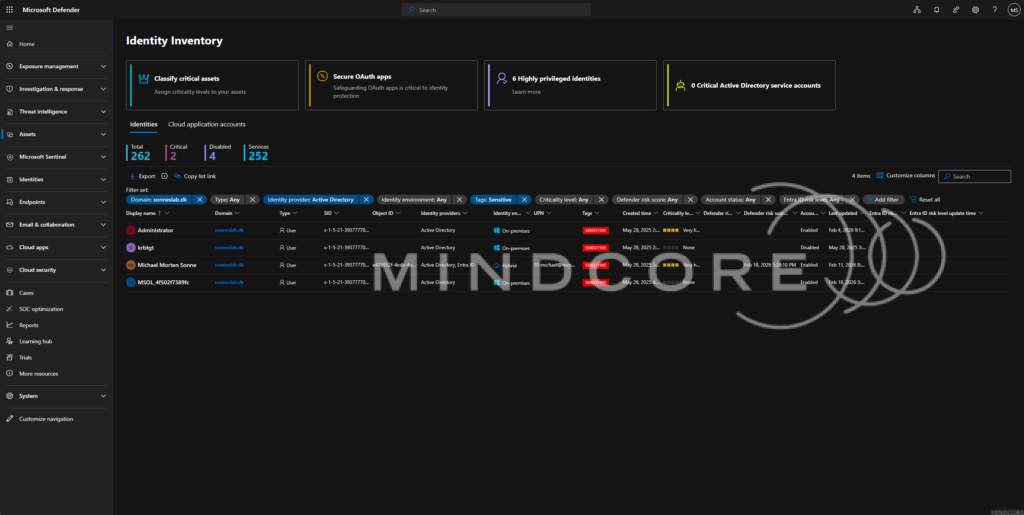
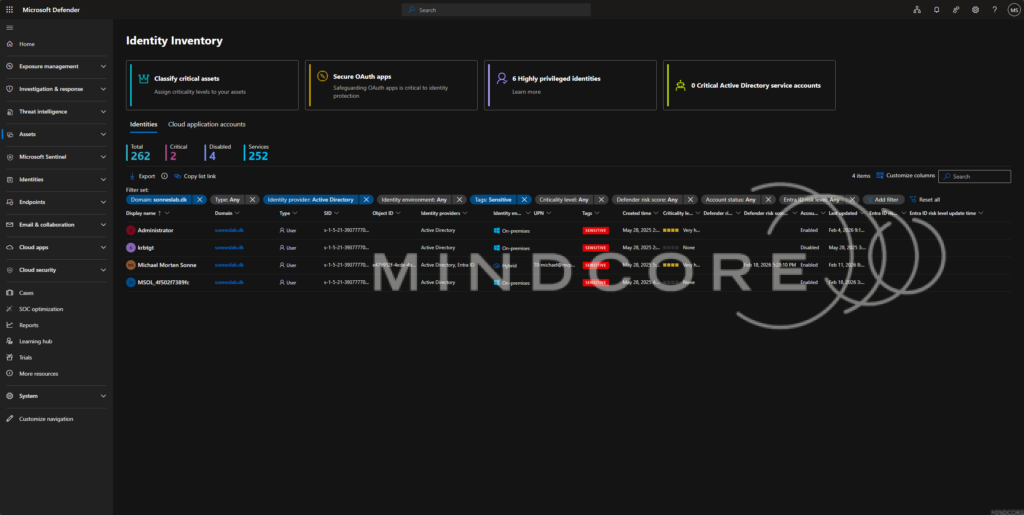
What you’ll find on the Domain Page
Once inside, the Domain Page provides a comprehensive overview, including:
- Domain summary and health score
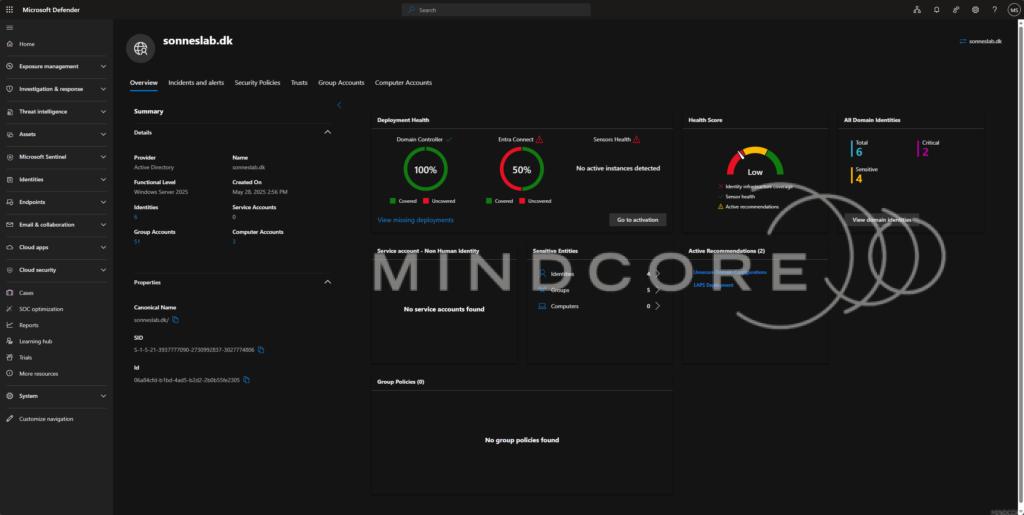
- Deployment health of Defender for Identity sensors
- Security policy configurations

- Active recommendations for improving posture
- Trust relationships, groups, and computers
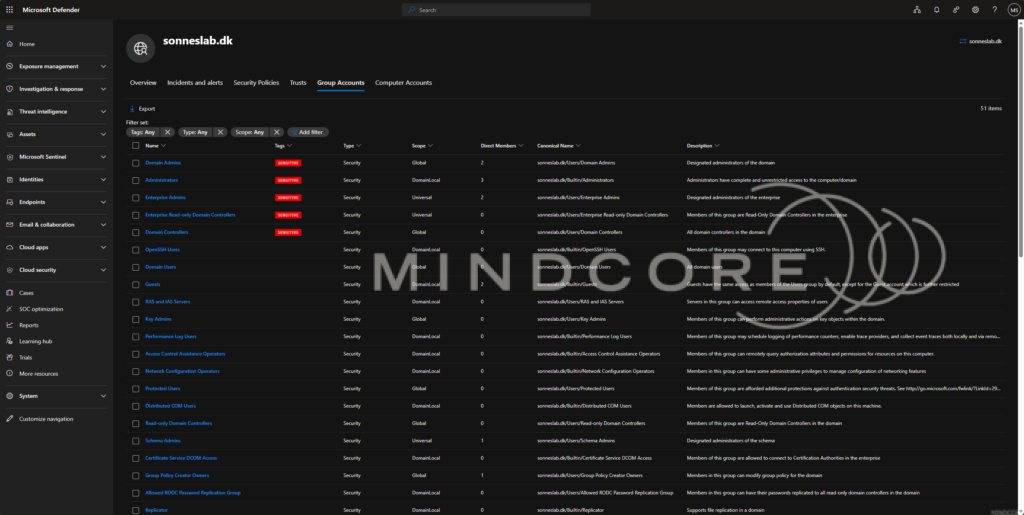
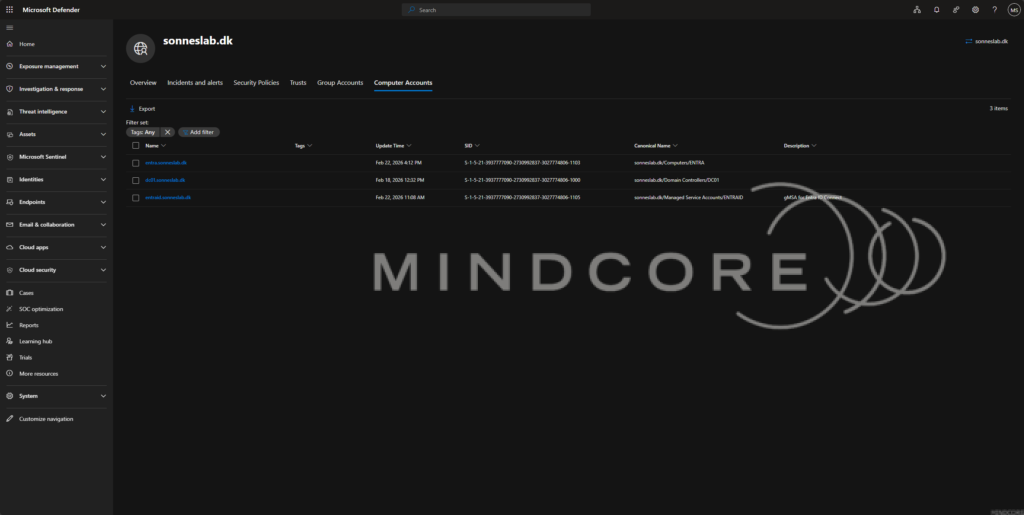
And all is presented in a clear, actionable format.
Conclusion
The new Active Directory Domain Page in Microsoft Defender is a powerful step forward in identity security. By centralizing visibility, health insights, and remediation guidance, it empowers security teams to better protect one of their most critical assets – Active Directory.
One of the best parts of this journey is working closely with the Microsoft product teams – exciting to see these improvements come to life!
References
Investigate an Active Directory domain (Preview) – Microsoft Defender for Identity | Microsoft Learn