Security

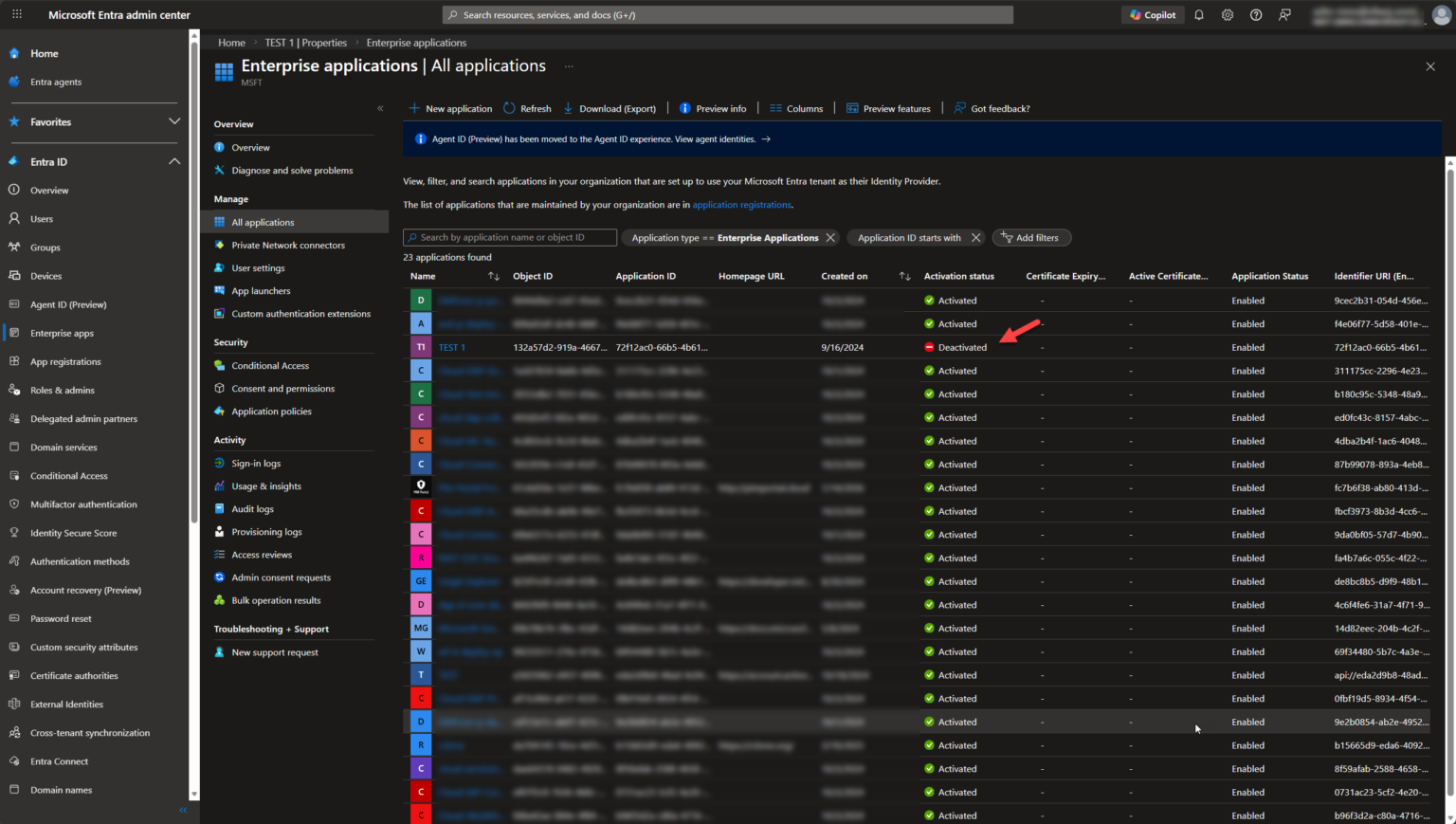
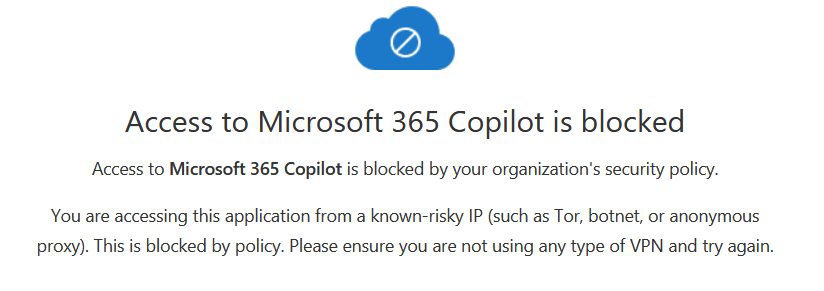
Blocking Tor/Botnet/Anonymous Proxy access to M365

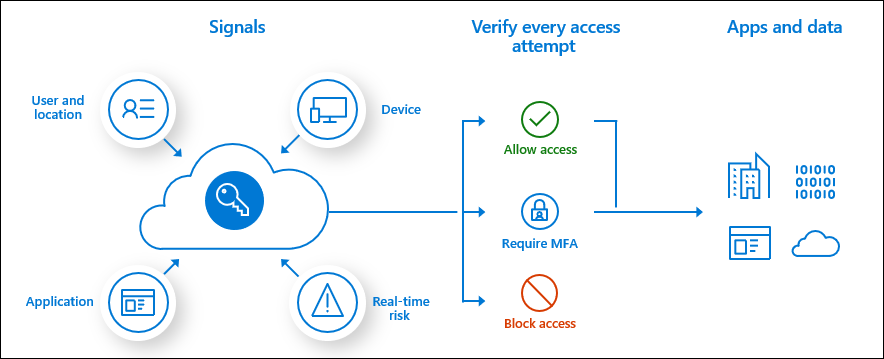
Combine the power of Entra ID Conditional Access and Defender for Cloud Apps Conditional Access policies to gain even more control over how apps in your tenant can be accessed. A common scenario would be to block access from Tor/Botnet/Anonymous Proxy networks as there’s really no use-cases for end-users to

Continue to read »

Entra ID – PIM for Groups – Automating PIM Group Activation in Entra ID with PowerShell

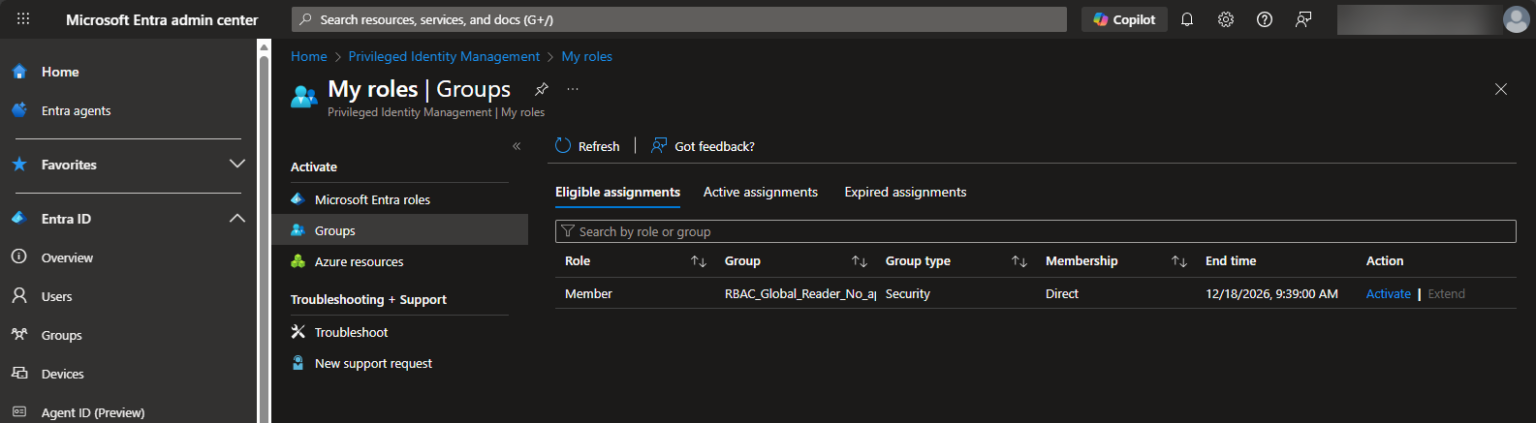
Microsoft Entra ID Privileged Identity Management (PIM) for Groups allows organizations to control and audit elevated group memberships through just-in-time access. Managing elevated permissions in Microsoft Entra ID can sometimes be tricky, especially when it comes to Privileged Identity Management (PIM) for Groups. While the Entra portal allows users to

Continue to read »

How Community Feedback Shaped the New Entra ID App Management UI

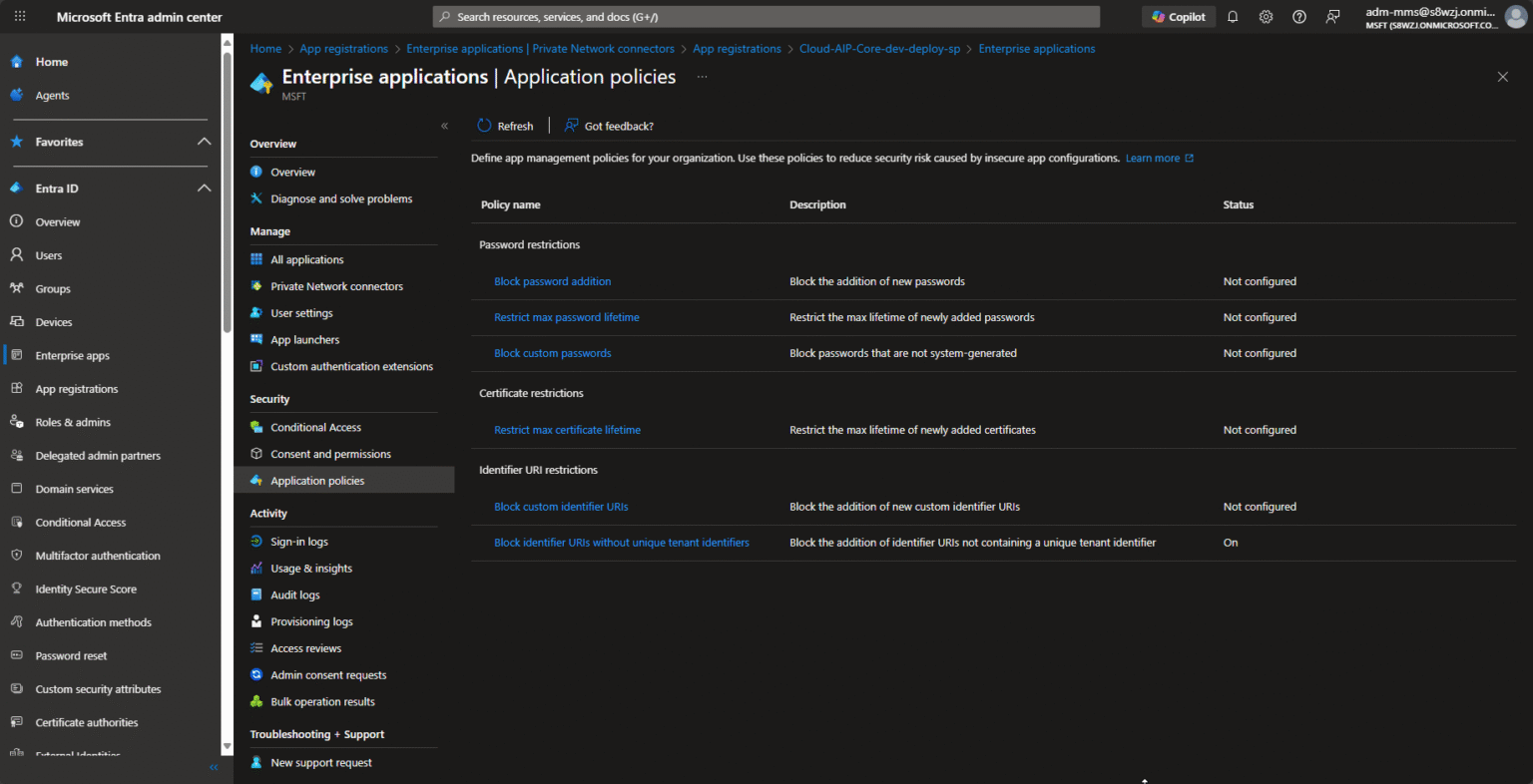
Back in September Microsoft has recently teaset App Management Policies in Microsoft Entra ID UI, which let you set tenant-wide restrictions on how applications and service principals can be configured from the UI – for example restricting certificate lifetimes, blocking new passwords/secrets, enforcing valid URI formats, etc. (as it looks like for now

Continue to read »

Microsoft Purview – Enabling Sensitivity (Purview) Labels for documents in Teams

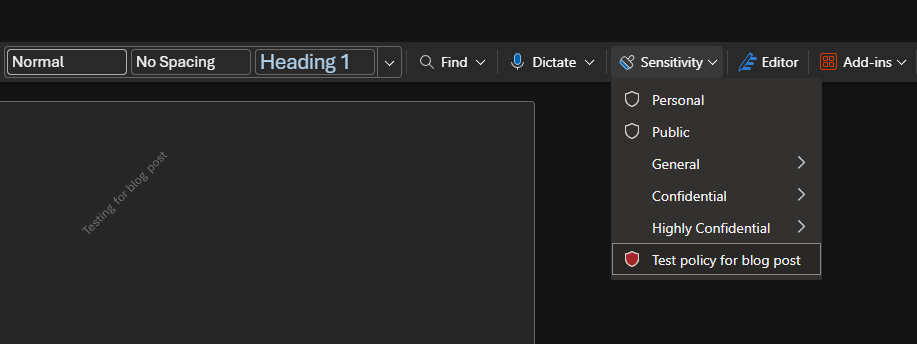
Introduction Microsoft Purview is Microsoft’s unified data governance, compliance, and risk platform. It lets you discover, classify, label, protect, retain, and monitor data across Microsoft 365, On-Premises, multicloud, and SaaS sources. It centralizes policies (like sensitivity labels) to enforce consistent security and compliance. During our Governance workshops, we initiate the

Continue to read »

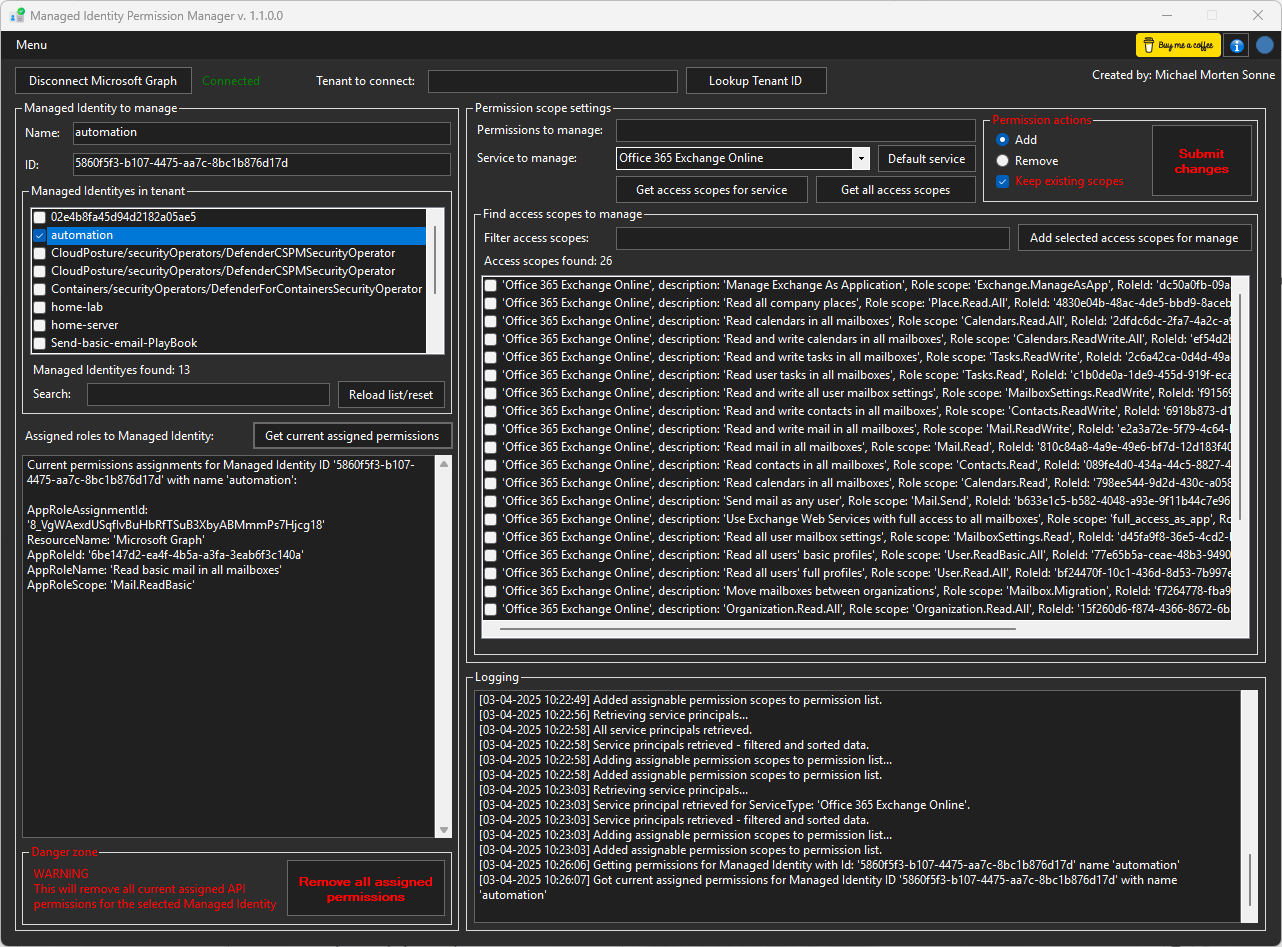
Entra ID – Managed Identity Permission Manager

Managing permissions for Managed Identities in Azure/Entra ID has been a long-standing challenge. Microsoft has yet not provided a built-in interface for this, leaving administrators reliant on PowerShell to handle permissions – even if the “same” exists for App Registrations and Enterprise Applications. To bridge this gap, I developed this

Continue to read »

Azure Automanage Machine Configuration Introduction – Configuration as Code

Managing server configurations in hybrid or on-premises environments can be challenging, with outdated tools and manual processes leading to errors and inefficiencies. This post explores how to simplify configuration management with Desired State Configuration (DSC) and Azure Automanage Machine Configuration. Ever noticed this Machine Configuration option under VMs and wondered

Continue to read »

Mandatory MFA enforcements is coming

Introduction In case you missed the update about the new announcement Microsoft is tightening security around Azure and Microsoft admin portals, by enforcing multifactor authentication (MFA) for all interactive sign-ins. This change has sparked a lot of questions across social medias, and in this post, I aim to address these

Continue to read »

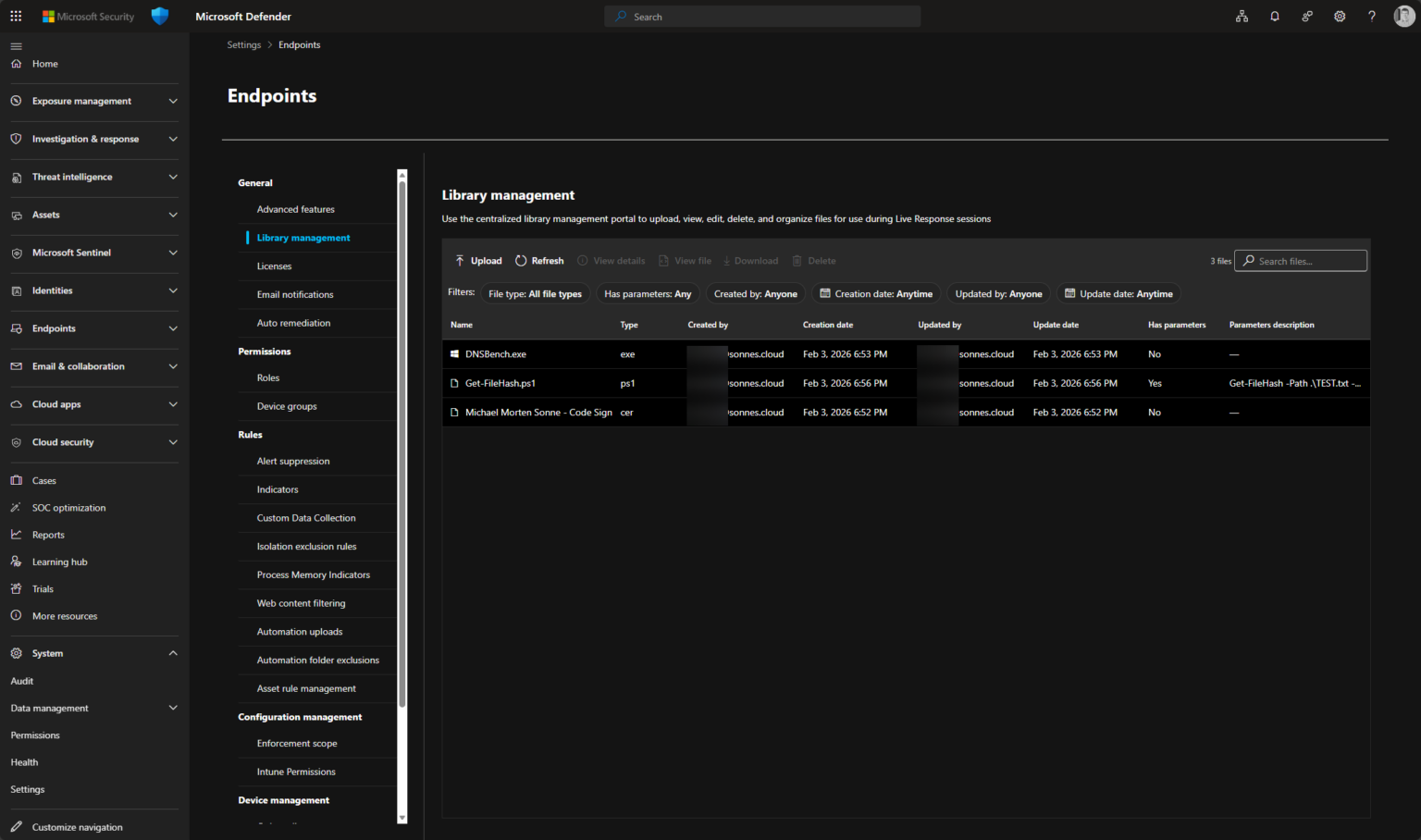
Remote Help just became more secure

Microsoft Remote Help is a powerful tool that allows users to get technical support and assistance from your company’s IT Pros without leaving the comfort of their own homes or offices. With Microsoft Remote Help, users can connect remotely to a support technician who can troubleshoot, diagnose, and solve technical

Continue to read »

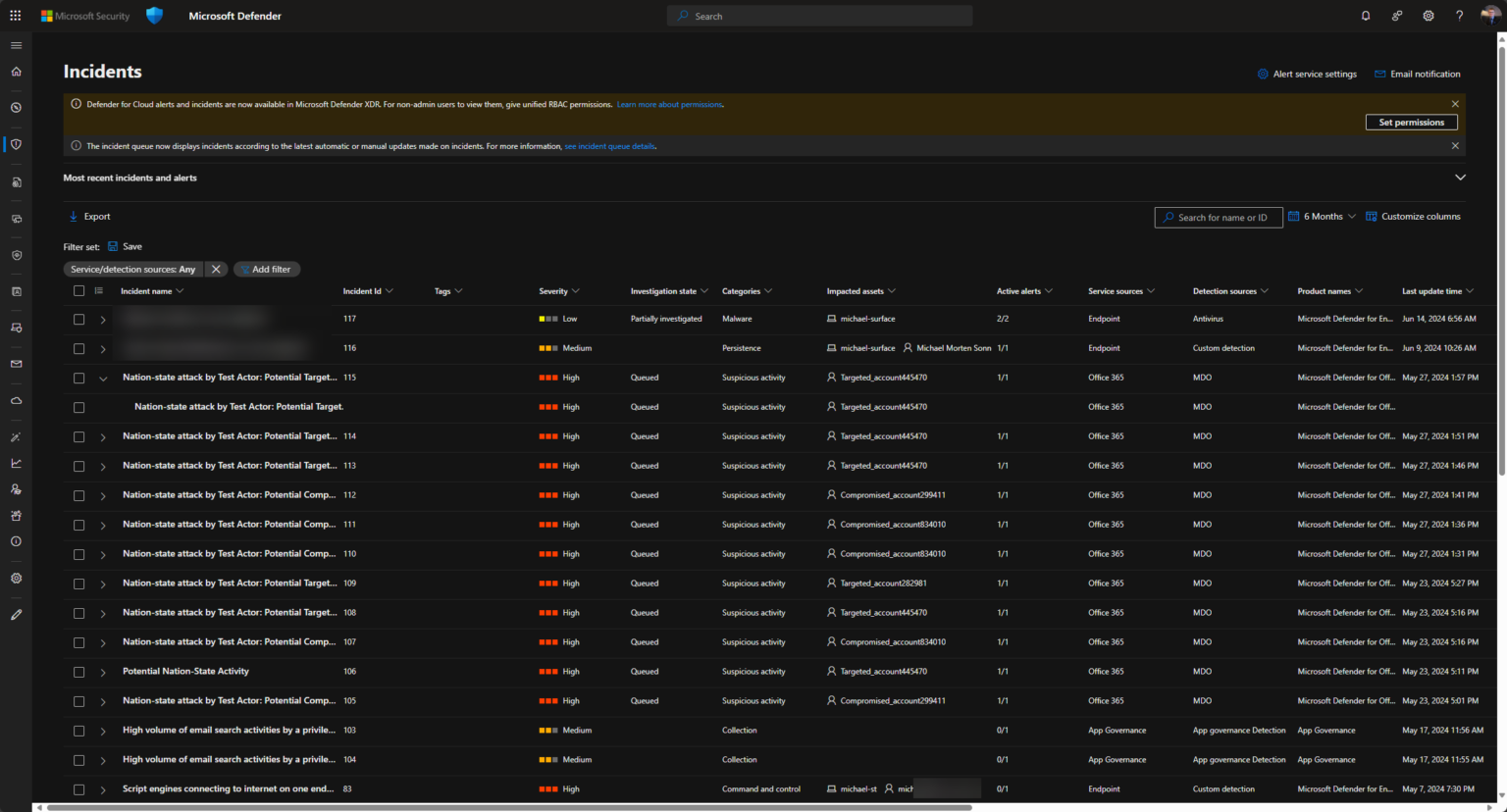
Feeding the Beast: Data Ingestion with Microsoft Sentinel

Microsoft Sentinel is a cloud-native security information and event management (SIEM) platform that enables organizations to collect, analyze, and respond to security events across their enterprise (for an introduction please see the first post in this series). Data ingestion is a critical component of the Sentinel platform, as it allows

Continue to read »

Report risky signins past 24 hours

Identity theft is a major concern for most companies. Complex Conditional Access rules/setups may unintentionally leave accounts without multifactor authenticaton. Another aspect of this “not following up” on the technical security features that is set up, is that every day tasks tends to take precedence over tasks that has an

Continue to read »

How to secure Windows 365 using a FIDO2 security key

Secure your Windows 365 Cloud PC(s) with Conditional Access and FIDO2 security keys.   Introduction We have already written about FIDO2 security keys on several occasions (I will add the links below), which has inspired me to see how I could secure Windows 365 using Conditional Access and a FIDO2

Continue to read »

Passwordless using FIDO2 security key with HoloLens 2

Introduction Some time ago I was asked by FEITIAN if I would like to test their FIDO2 key. I said yes, because I am in a project where we will onboard Microsoft HoloLens’s in production, in that journey, we will make use of FIDO2 keys + Windows Hello for Business

Continue to read »
Search blog posts
Search
Authors
Modern Workplace consultant and a Microsoft MVP in Enterprise Mobility.

Modern Workplace consultant and a Microsoft MVP in Windows and Devices.

Infrastructure architect with focus on Modern Workplace and Microsoft 365 security.

Cloud & security specialist with focus on Microsoft backend products and cloud technologies.

Cloud & security specialist with focus on Microsoft 365.

Cloud & Security Specialist, with a passion for all things Cybersecurity

Cloud and infrastructure security specialist with background in networking.

Infrastructure architect with focus on design, implementation, migration and consolidation.

Infrastructure consultant with focus on cloud solutions in Office365 and Azure.

Modern workplace and infrastructure architect with a focus on Microsoft 365 and security.

follow us in feedly
Categories
  • Follow on SoMe