Mindcore Techblog

Let’s talk about Client Management, Security and IT Infrastructure

Heads-up: Service Principal-less apps Retirement March 2026

In March 2026, Entra ID will stop supporting service principal-less authentication behavior. This may affect certain applications currently running in your tenant. Service principal-less apps may already be frozen since April 2025 if they weren’t actively used, but those apps that were, have remained uninterrupted until March next year. Microsoft
Continue to read »

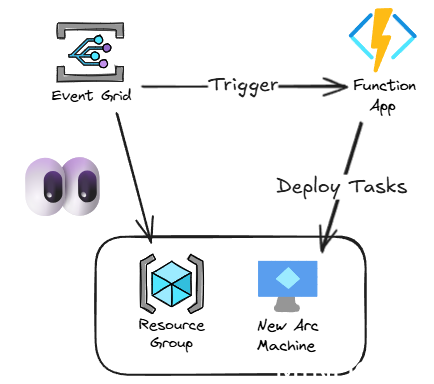
Azure Arc VM Onboarding Pt.3 – Post-Deployment Task Automation

In this final blogpost on onboarding, I want to cover a way to automate some common post-deployment configuration tasks. When a machine is Arc onboarded, by default, it won’t really have much installed and it’s not particularly useful until you start deploying extensions. Azure Arc VM Onboarding blog mini-series overview:

Continue to read »

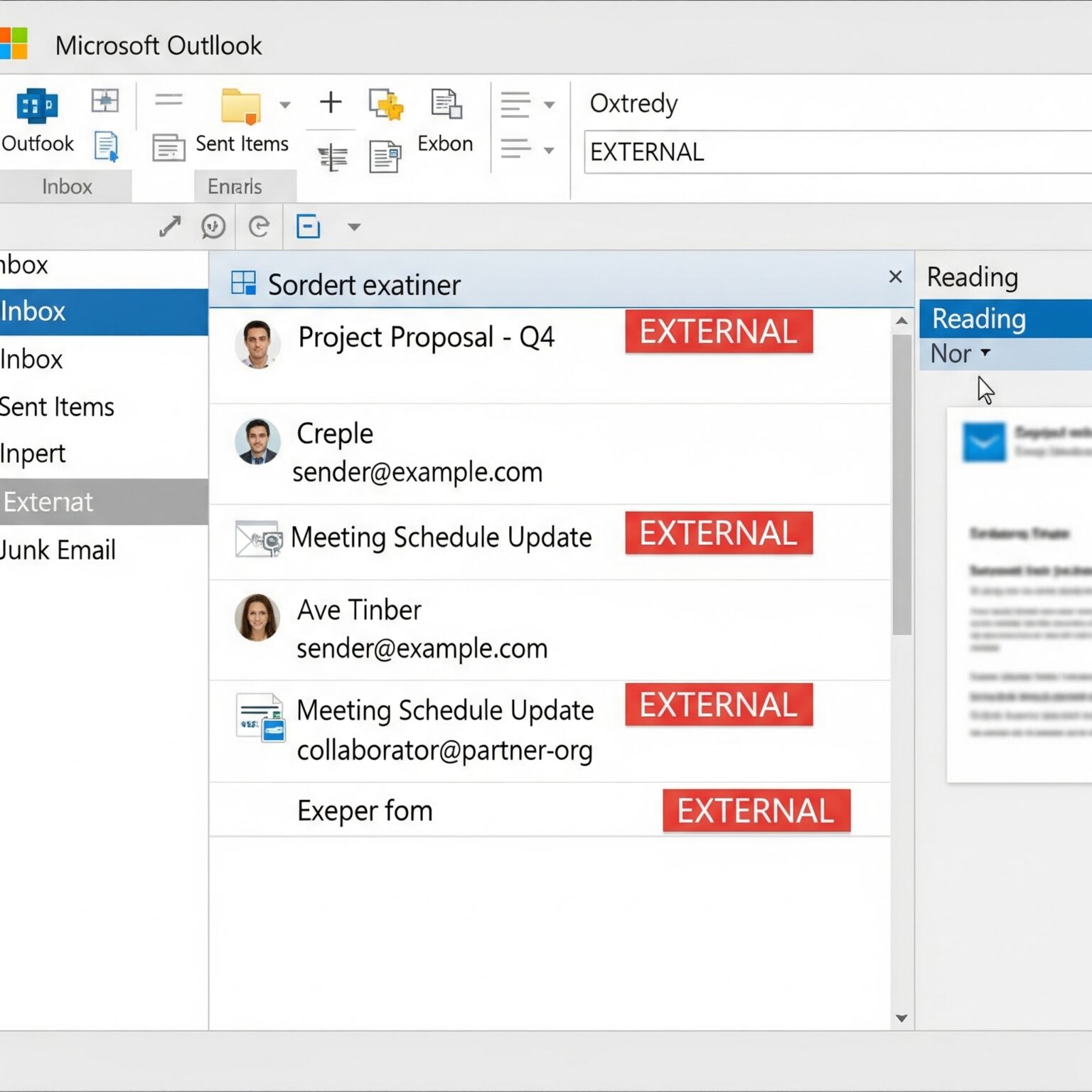
External mail settings

As demonstrated previously, numerous technical configurations are available to support effective Microsoft 365 Governance. In this post, we will examine several minor adjustments that have the potential to significantly influence our user’s behavior. When receiving mail from external partners, by default our users must know that the mail is received

Continue to read »

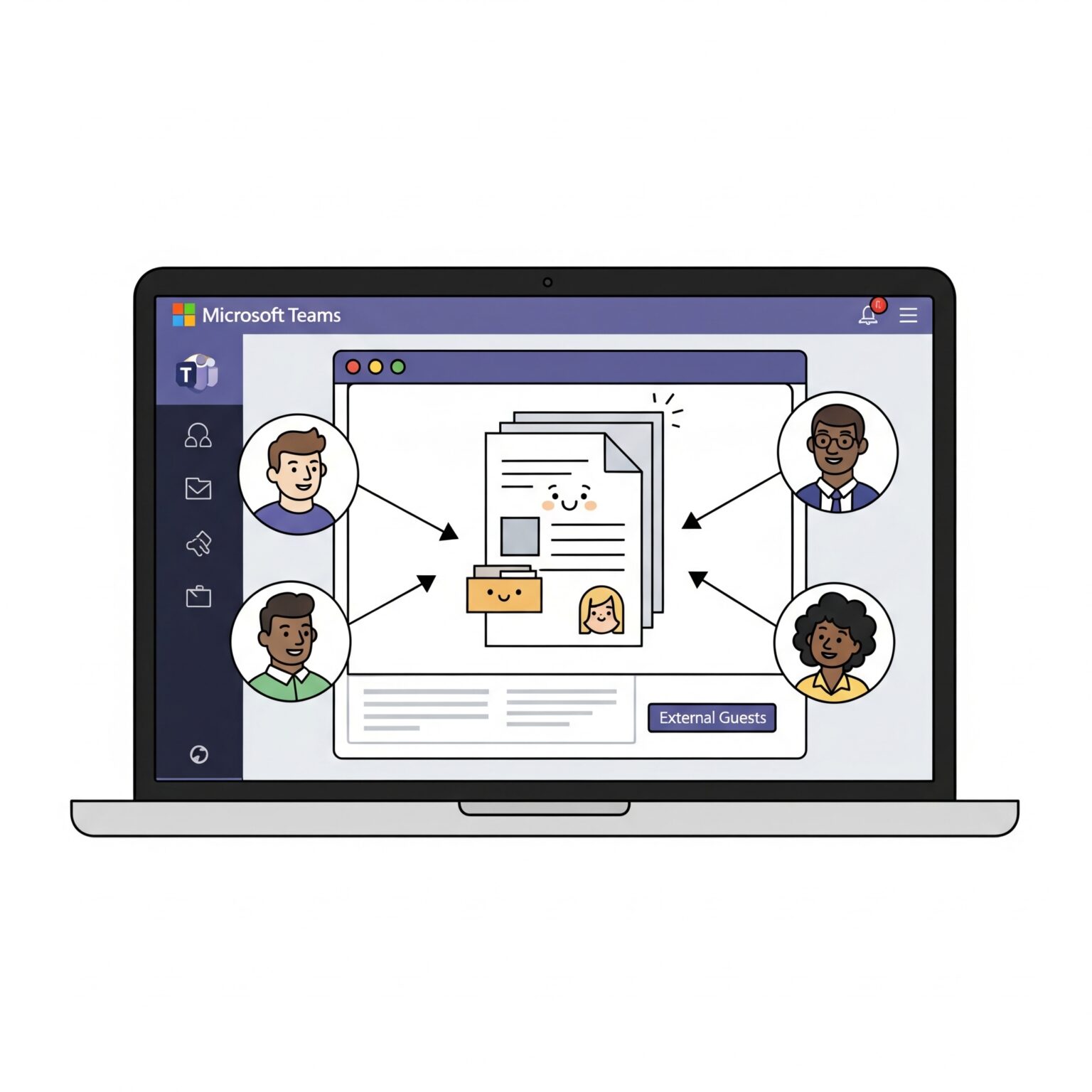
Microsoft Teams and external members Pt. 1

Many customers using Microsoft Teams request teams restricted to internal members, without guest account access. Teams’ behavior is very often controlled by SharePoint or Microsoft 365 Group settings and a typical team user may not know anything about these settings. We recommend building your own app or automation to ensure

Continue to read »

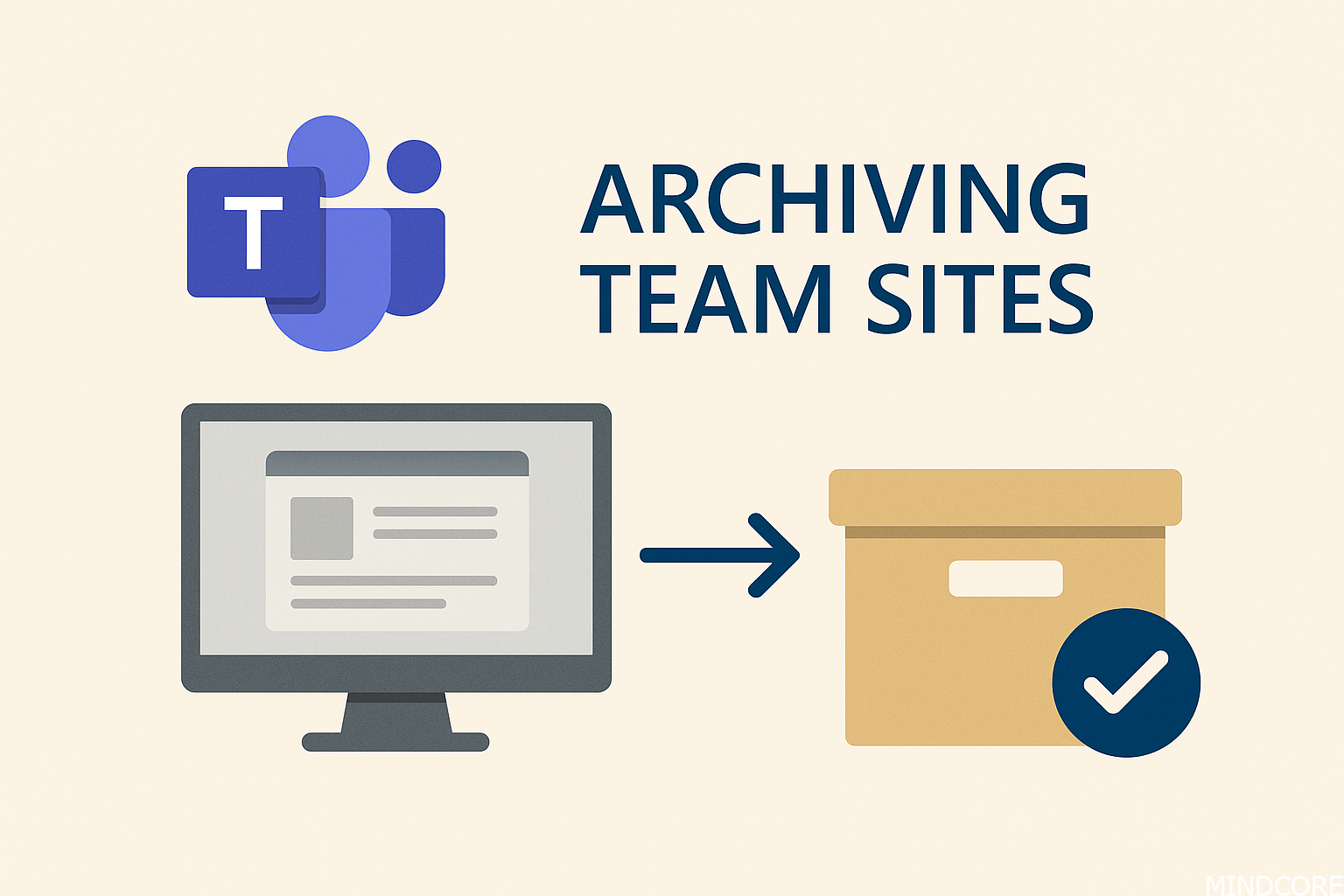
Inactive Teams and governance

During our Microsoft 365 Governance workshops with customers, a common question is how to handle inactive teams. Our primary recommendation is to implement automated processes for archiving inactive teams, team owners can also archive a team themselves. The team’s conversations and files will be set to read-only and remain searchable.

Continue to read »

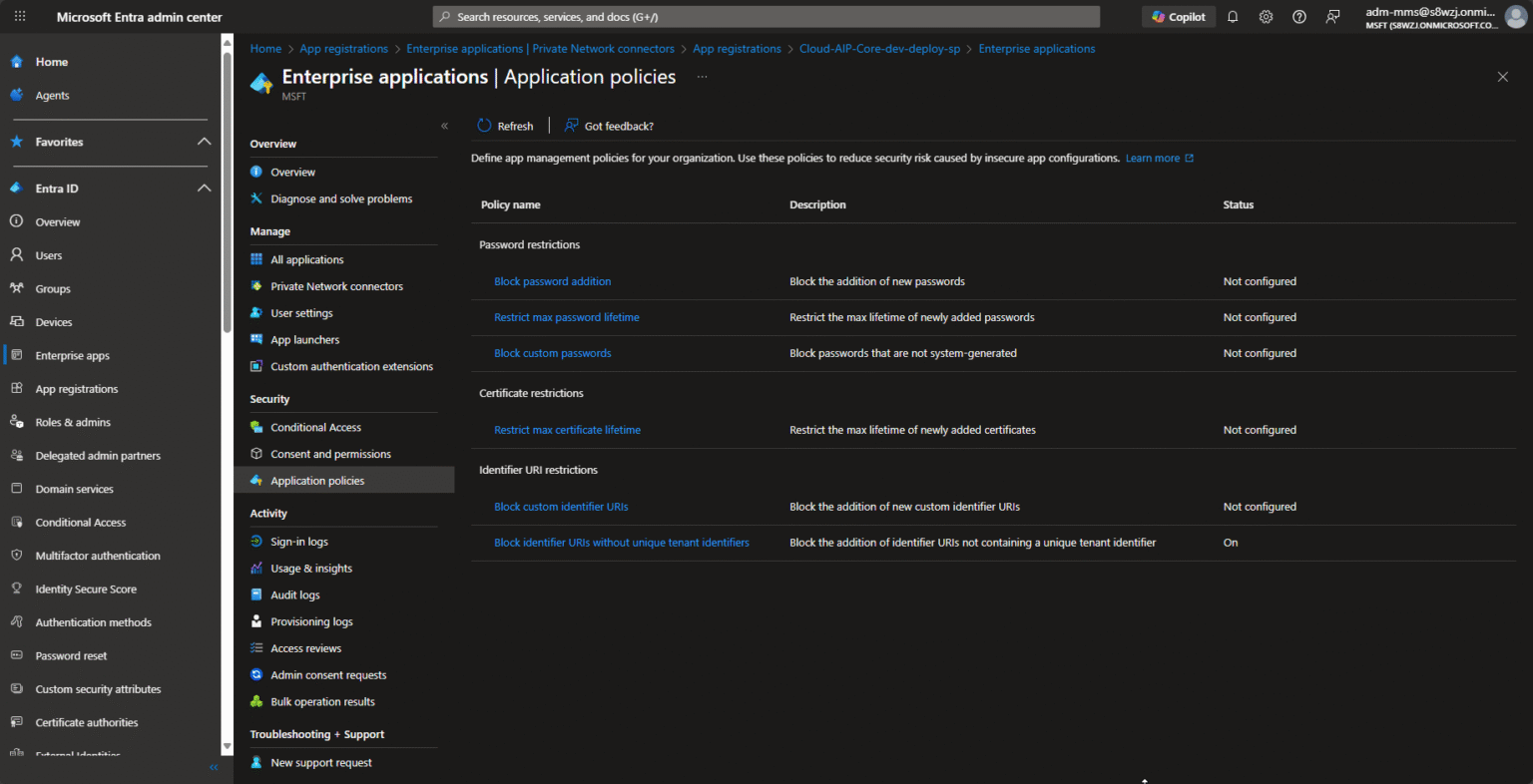
How Community Feedback Shaped the New Entra ID App Management UI

Back in September Microsoft has recently teaset App Management Policies in Microsoft Entra ID UI, which let you set tenant-wide restrictions on how applications and service principals can be configured from the UI – for example restricting certificate lifetimes, blocking new passwords/secrets, enforcing valid URI formats, etc. (as it looks like for now

Continue to read »

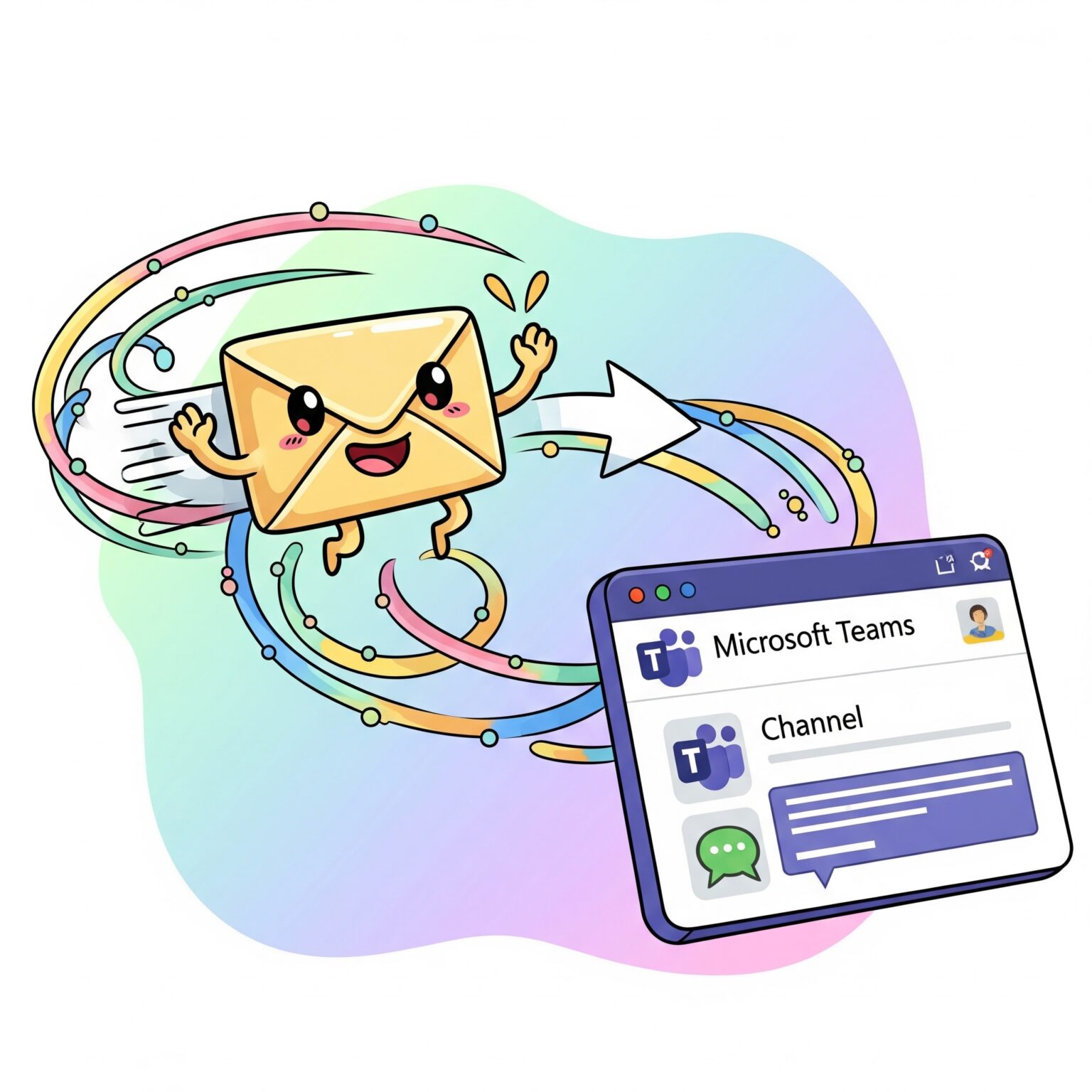
Send an email to a channel in Microsoft Teams

You can email a Teams channel using its email address. Once set up, anyone in the team can reply. To see a channel email, you must select use the option Get email address on the channel itself. You may use this email address as the recipient address in Outlook. Any

Continue to read »

Default selected options when sharing files in Teams

When you select Share on a file in Teams, it is actually shared in SharePoint. The default options selected can be changed, and when we run our Microsoft 365 Governance workshops this is often a required action for a lot of customers. By default SharePoint will show these option when

Continue to read »

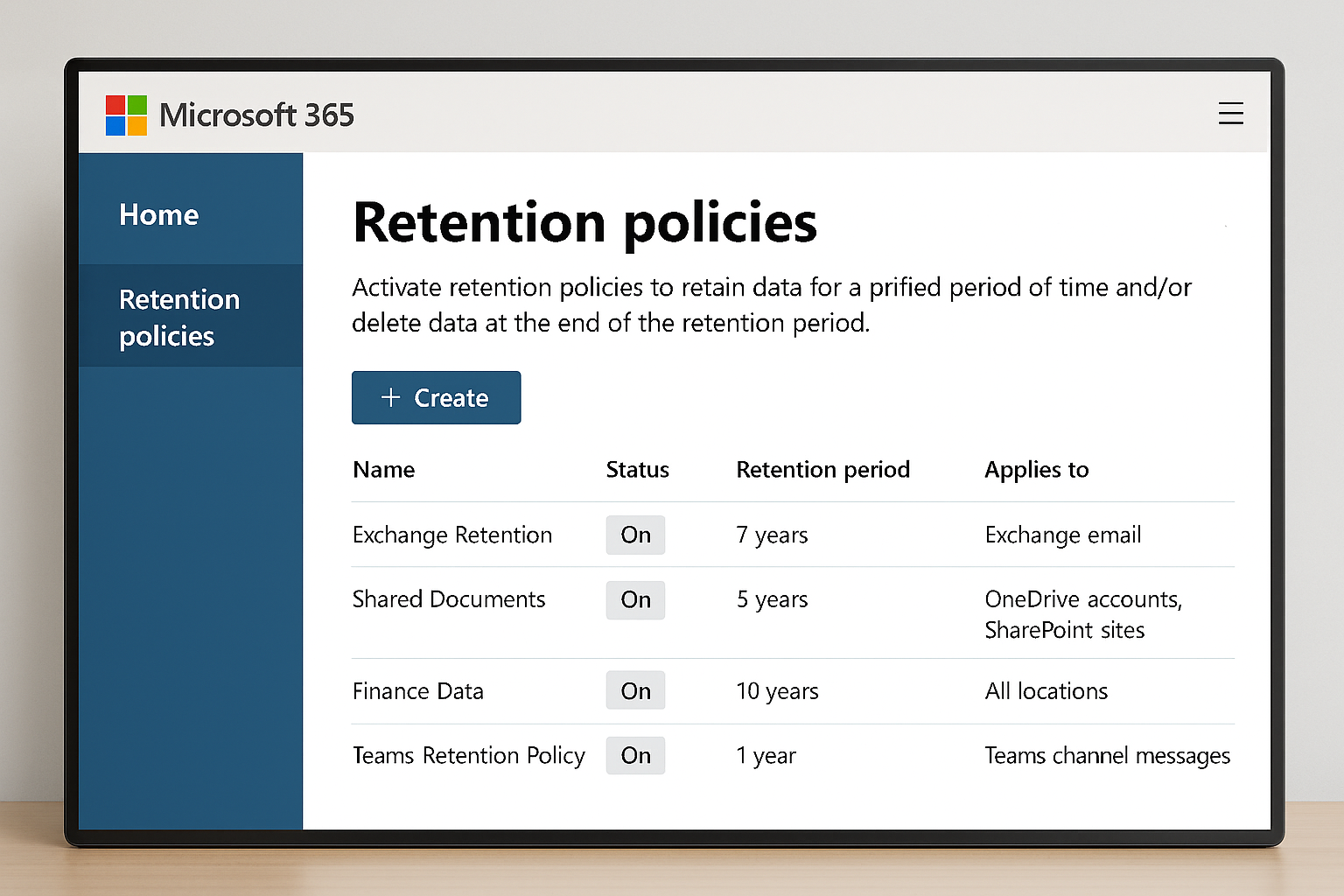
Delete chats in Microsoft Teams based on a retention policy

A frequently discussed topic during our Microsoft 365 governance workshops is the appropriate retention period for chat messages within Teams. Some customers prefer that chat messages are deleted after a predefined period rather than being retained for an extended time. In this post, we will examine how to efficiently delete

Continue to read »

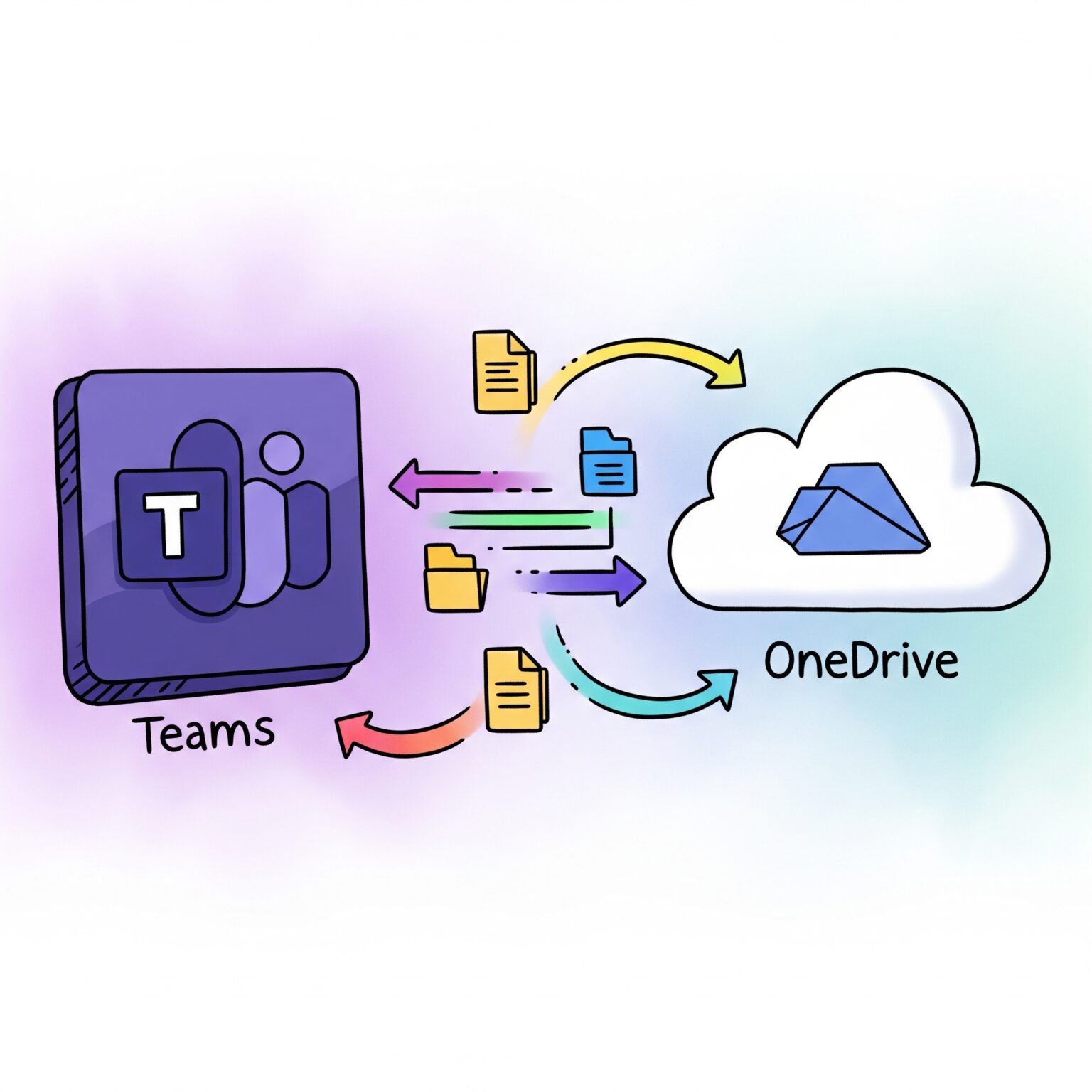
Teams and file sync to OneDrive Pt. 2

As explained in Part one, a common Microsoft 365 Governance workshop question is how to use the Sync to OneDrive and Add shortcut to OneDrive features, both found under the Files tab in Teams channels. We recommend using only Add shortcut to OneDrive and disabling Sync. However, here we’ll also

Continue to read »

Teams and file sync to OneDrive Pt. 1

A common inquiry that arises during our Microsoft 365 Governance workshop concerns the use of the Sync to OneDrive feature in Teams and the Add shortcut to OneDrive option. Both functionalities are accessible from the Files tab within a Teams channel. We normally recommend using Add shortcut to OneDrive instead

Continue to read »

Don’t miss out on news from your favorite Tech-bloggers!

Search blog posts
Search
Authors
Modern Workplace consultant and a Microsoft MVP in Enterprise Mobility.

Modern Workplace consultant and a Microsoft MVP in Windows and Devices.

Infrastructure architect with focus on Modern Workplace and Microsoft 365 security.

Cloud & security specialist with focus on Microsoft backend products and cloud technologies.

Cloud & security specialist with focus on Microsoft 365.

Cloud & Security Specialist, with a passion for all things Cybersecurity

Cloud and infrastructure security specialist with background in networking.

Infrastructure architect with focus on design, implementation, migration and consolidation.

Infrastructure consultant with focus on cloud solutions in Office365 and Azure.

Modern workplace and infrastructure architect with a focus on Microsoft 365 and security.

follow us in feedly
Categories
  • Follow on SoMe